Unofficial community guide
OpenAI dots — always-on ChatGPT agents
Powered by GPT-6 Astra
Always-on agents powered by GPT-6 Astra — own cloud computer, 4,000+ apps, Slack and Teams — with eligibility, safety, and getting-started guides. Unofficial community site.
Cover: Iggy saved in this browser, shown on every guide page.
Official public character art from OpenAI’s introducing-dots page. Community-hosted display only — not affiliated with OpenAI.
From OpenAI on X
Source · OpenAI
OpenAI announces dots
Official launch video (community-hosted for in-page playback). Prefer openai.com/index/introducing-dots/ and chatgpt.com/features/dots/ for durable facts.
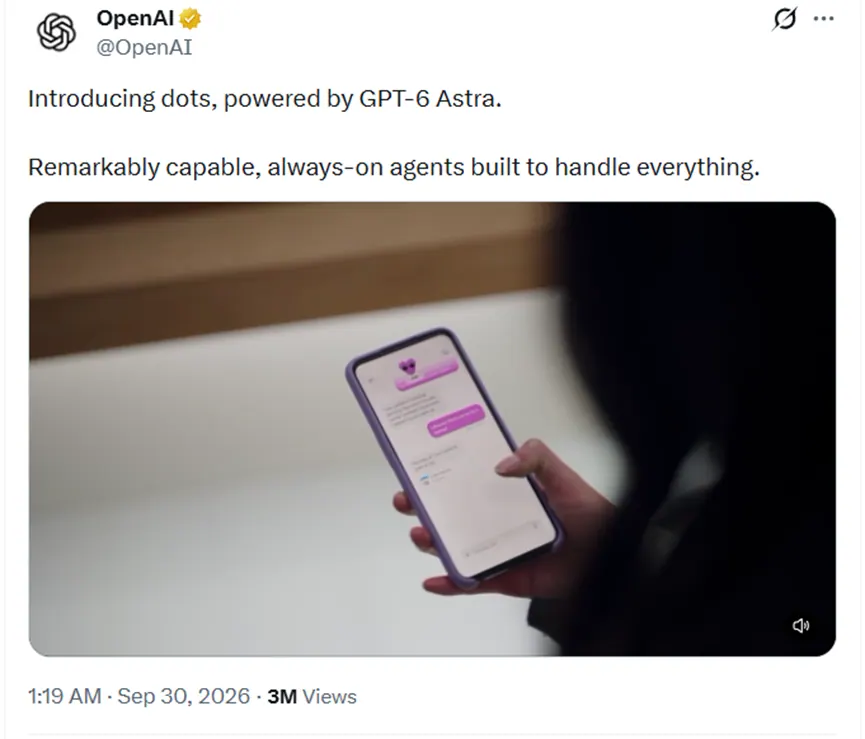
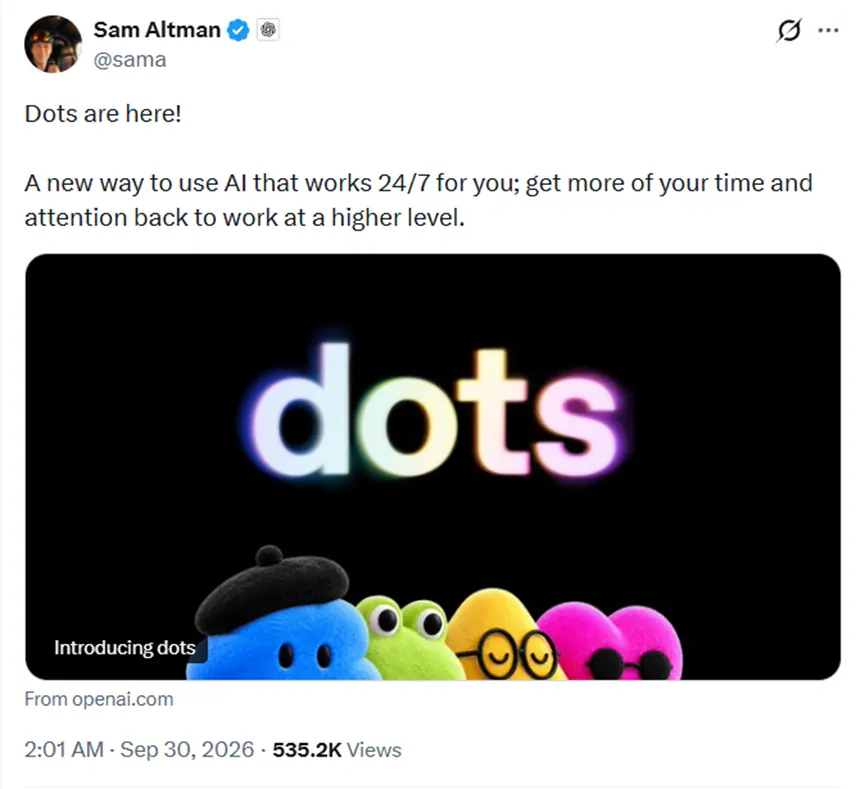
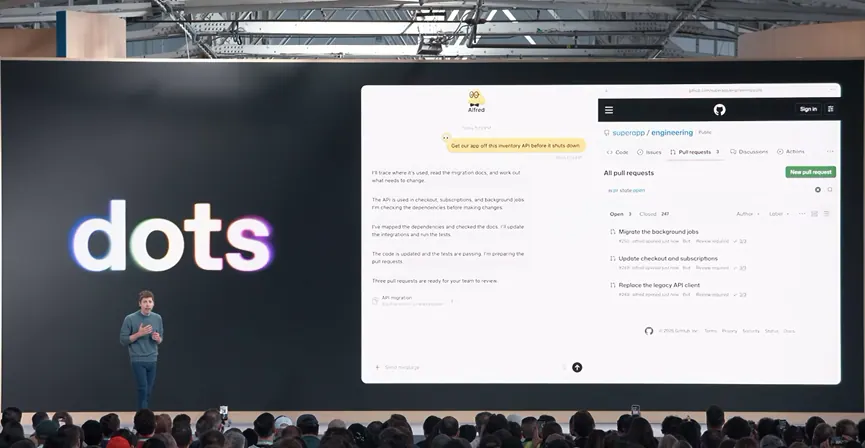
Community-hosted stills for orientation. Product facts: OpenAI Introducing dots and ChatGPT features.
OpenAI dots, in one paragraph
dots are OpenAI’s always-on agents on GPT-6 Astra. Each has its own cloud computer and browser, can connect across a large plugin ecosystem (OpenAI cites 4,000+ apps), and works toward longer goals — including proactive updates — while you stay reachable in ChatGPT, Slack, and Teams.
A chat window answers. A dot keeps responsibility between conversations, then stops for approvals on consequential work. Read what is dots, then getting started and safety.
- Own cloud computer Each dot has a cloud computer and browser you can open — powered by GPT-6 Astra. Read more
- 4,000+ apps Connect plugins across Gmail, Docs, Slack, GitHub, and the wider ecosystem. Read more
- You stay in control Custom Rules, Auto-review, approvals — local computer access starts off. Read more
Guides to OpenAI dots
Definition, setup, features, pricing, eligibility, and safety — English and Chinese.
- 01 What is OpenAI dots? Official definition, Astra, cloud computer — plus Dots vs Muse and Grok Bot. Read guide
- 02 How to use OpenAI dots Create your first dot, connect apps, and use the Help Center checklist. Read guide
- 03 OpenAI dots features Cloud computer, browser, 4,000+ apps, Slack, Teams, and controls. Read guide
- 04 OpenAI dots pricing Included with Pro / Business Premium; first-month quota notes — no invented Dots $. Read guide
- 05 Who can use OpenAI dots Pro, Business Premium, Enterprise — markets and first-month quota. Read guide
- 06 OpenAI dots safety Custom Rules, Auto-review, approvals, local computer default off. Read guide
- 07 OpenAI dots vs Meta Muse Community comparison: ChatGPT dots vs Muse — vendors, cloud computer, audience, eligibility. Read comparison
Official pages first. Community guides second.
When OpenAI documents a behavior, this site links that page. Social and press notes are attributed or paraphrased — official wording wins on conflict.
Published by OpenAI
Cite these for documented behavior.
- Introducing dots Official launch post: Astra, cloud computer, 4k apps.
- ChatGPT features — dots Product feature page on chatgpt.com.
- Getting started with your dot Setup, eligibility, first-month quota notes.
- Safety, security, and privacy Rules, Auto-review, local computer default off.
- ChatGPT pricing ChatGPT plan prices. Not an invented Dots $.
Community guides
Orientation beside the official pages.
How to read this site
How to read this OpenAI dots guide
dotsbase is an unofficial community guide. Prefer ChatGPT features — dots, Introducing dots, Getting started with your dot, and the safety post. Avoid treating openai.com/dots/ (404) or login-gated chatgpt.com/dots shortcuts as primary citations.
A practical path
- What is OpenAI dots — definition, Astra, comparisons.
- Getting started — create, connect, permissions.
- Eligibility and pricing — Pro / Business Premium / Enterprise, quotas, no invented Dots $.
- Blog — DevDay highlights, workflow deep-dives, and use-case sketches.
Historical aliases Aeon / orbit / O live only on names. Chinese edition: OpenAI dots 中文指南.
OpenAI dots FAQ
What is OpenAI dots?
dots are OpenAI’s always-on agents powered by GPT-6 Astra. Each has its own cloud computer and browser, can connect to thousands of apps, and works in ChatGPT, Slack, and Teams. This site is an unofficial community guide.
Who can use dots?
OpenAI is rolling out dots to ChatGPT Pro (eligible markets), Business Premium, and Enterprise beta when an admin enables it. See the eligibility guide and OpenAI Help for current markets and first-month quota notes.
How much does OpenAI dots cost?
The first dot is included with Pro and Business Premium at no extra cost. This site does not invent a separate Dots dollar price. ChatGPT plan prices are on chatgpt.com/pricing/. First-month usage notes are on the pricing and eligibility pages.
Does ChatGPT Plus include dots?
OpenAI’s launch eligibility lists Pro, Business Premium, and admin-enabled Enterprise/Edu/Healthcare beta. Free, Go, Plus, and standard Business are not on that list. Re-check Help for updates.
Can I create a dot on mobile?
Not currently. Create your first dot in the ChatGPT desktop app or ChatGPT on desktop web. After setup, you can message it on mobile where available. See getting started.
OpenAI dots vs Meta Muse?
Muse is Meta’s personal life-admin agent; dots are OpenAI always-on agents in ChatGPT. Longer community comparison: /blog/dots-vs-muse/. Prefer each vendor’s own pages for current plans.
Is dotsbase affiliated with OpenAI?
No. dotsbase is an unofficial community site and is not affiliated with OpenAI. Facts link to OpenAI’s own documents; community sources are attributed.