A dot is an always-on agent on GPT-6 Astra with its own cloud computer and browser. OpenAI describes it as frontier intelligence that learns from feedback, works toward goals around the clock, and can surface finished work — sometimes before you ask. Cite Introducing dots and ChatGPT features — dots.
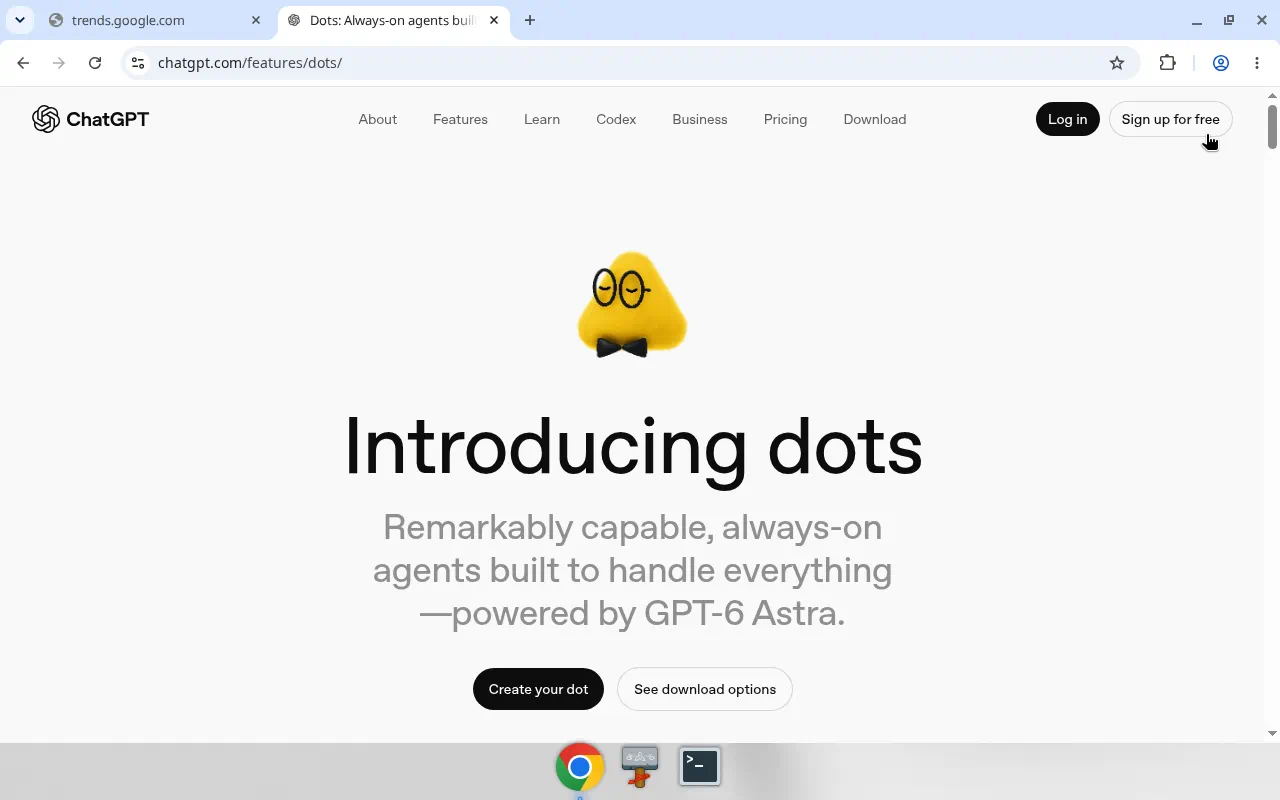
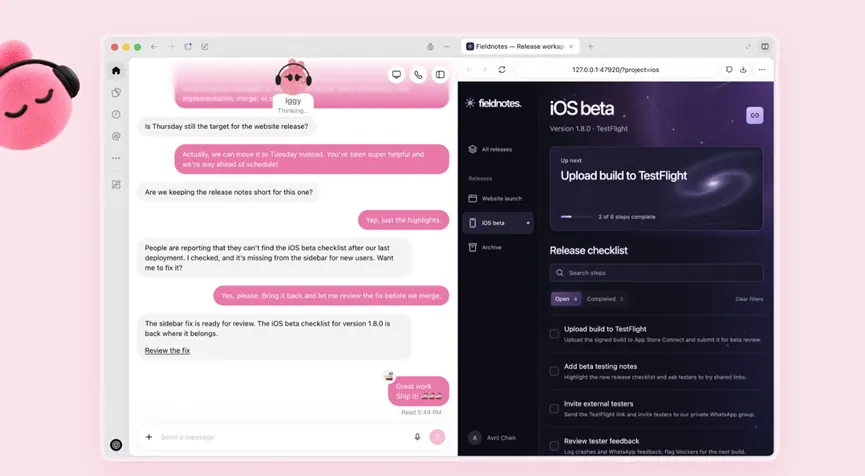
Tools and reach. Through the plugin ecosystem, dots can connect to over 4,000 apps. You open the cloud computer anytime to inspect work. Dots can also connect to other devices; permission to use your laptop is optional and starts off. Channels: ChatGPT (desktop, web, mobile), Slack, and Teams; texting is described as coming soon. Voice calls are part of the collaboration model.
Control model. You stay in control with Custom Rules, Auto-review, and approvals for consequential actions. The workspace is a separate cloud environment. Built-in safeguards and access permissions are detailed in OpenAI’s safety post. Community summary: safety.
Rollout facts (official). Pro and Business Premium in eligible markets; Enterprise / Edu / Healthcare as admin-enabled beta. First dot included at no extra cost; plans include an allowance for deeper work, with extended first-month limits after launch. Conversations with a dot do not count toward ChatGPT usage; Codex / ChatGPT Work tasks a dot starts still do. See eligibility and pricing — this site does not invent Dots dollar prices.
Specialist dots / Agent 365. Introducing dots previews specialist dots (identity for access management, IT-provisioned hardware, deep integrations) and bringing specialist dots to Microsoft Agent 365. Treat anything beyond that wording as community reporting, not verified SKUs.
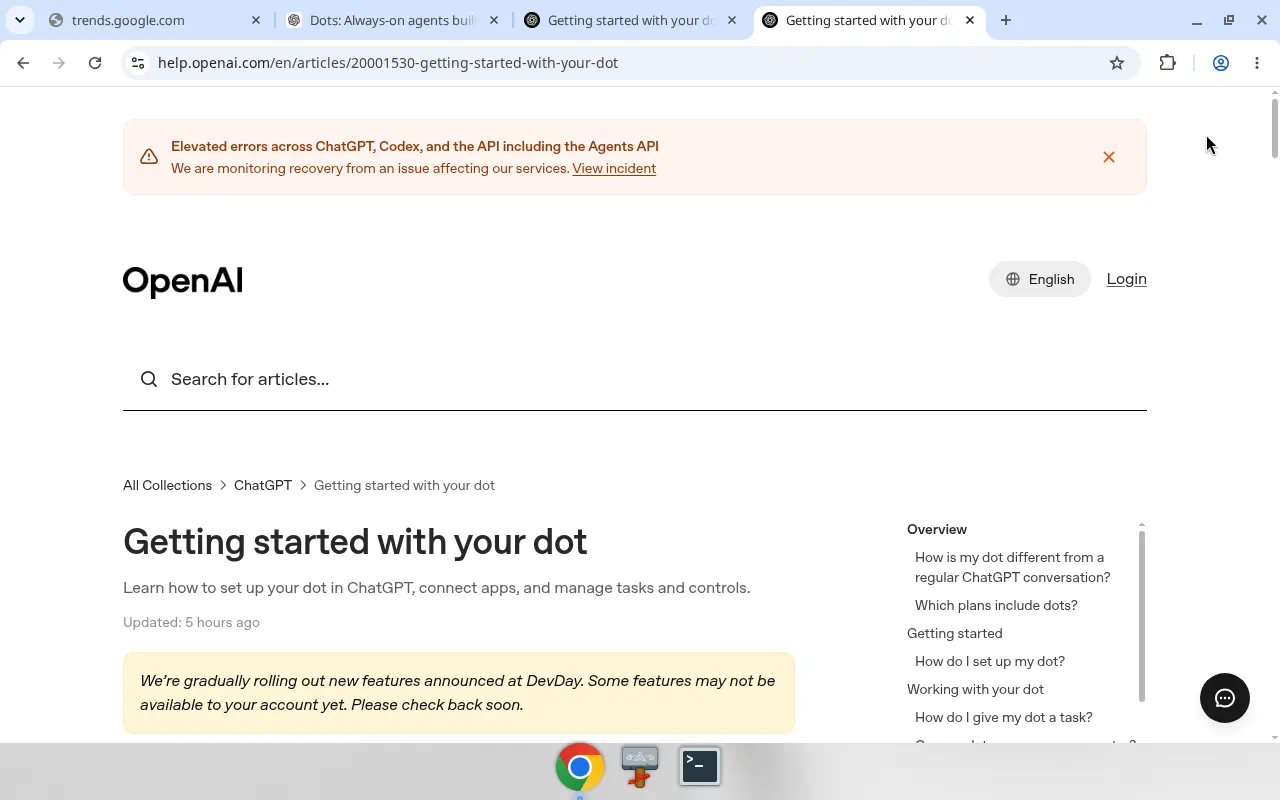
Related sketches: developer + launch, research / sales / creator, and the sketches index. Practical setup: getting started.