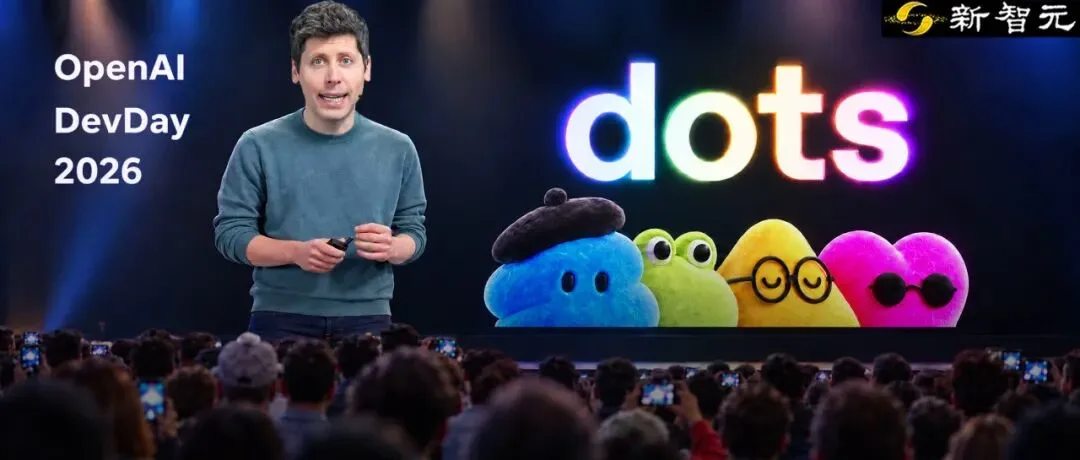
dots as the headline. Coverage frames dots as OpenAI’s always-on agents — not “another chatbot mode,” but a resident teammate with its own cloud computer and browser, able to keep working when your screen is off. Official product name and core story: Introducing dots and ChatGPT features — dots. Short orientation on this site: what is dots.

How a first meeting looks. Launch demos often show a named dot (e.g. Alfred) greeting you in ChatGPT, then taking background chores: site updates that pause only for human image choices, Teams feedback folded into a board deck, architecture drafts sparked by a Meet note, even preparing an invoice and asking before send. Treat demos as illustrations, not guaranteed SKUs. Workflow notes: getting started and workflow deep-dive.
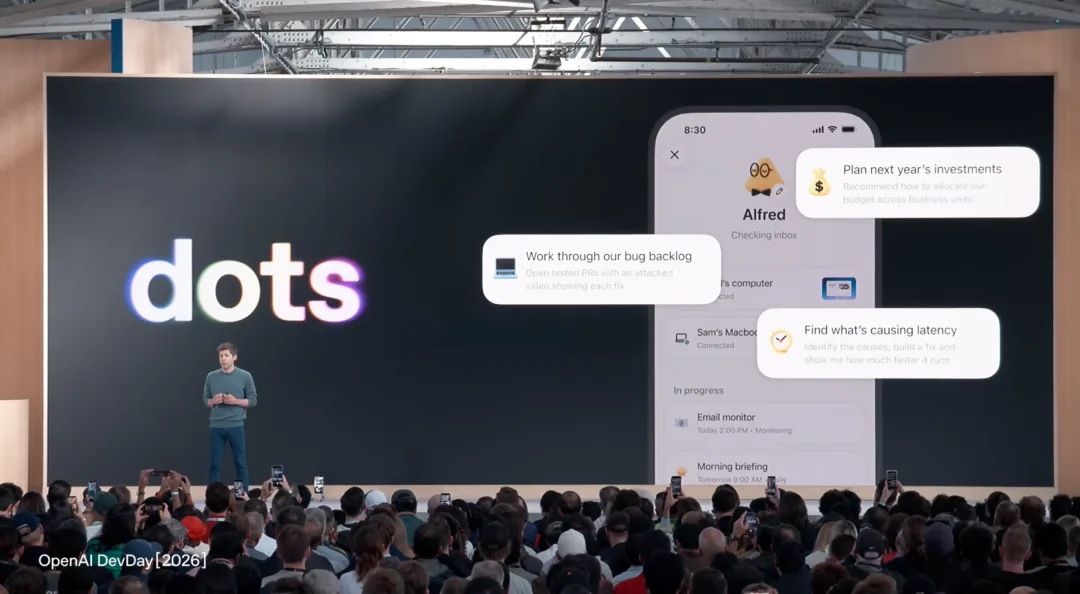
Control and safety (official defaults). Each dot runs in an isolated cloud workspace; supported secure sign-in keeps passwords out of the model; when idle, proactive research is described as read-only; access to your local computer starts off. Community summary: safety and OpenAI’s safety post.
Eligibility (do not invent dollars). Official rollout: Pro and Business Premium in eligible markets; Enterprise / Edu / Healthcare as admin-enabled beta. The first dot is included at no extra cost; conversations with a dot do not count toward ChatGPT usage, while Codex / ChatGPT Work tasks a dot starts still do. See eligibility and pricing. ChatGPT plan dollars: ChatGPT pricing.
ChatGPT Space (community reporting). Coverage describes Space as an AI-native collab surface where people and dots share living pages — plans, research, charts — so work is not trapped in one person’s chat history. Confirm live product wording on OpenAI. Related: for developers.
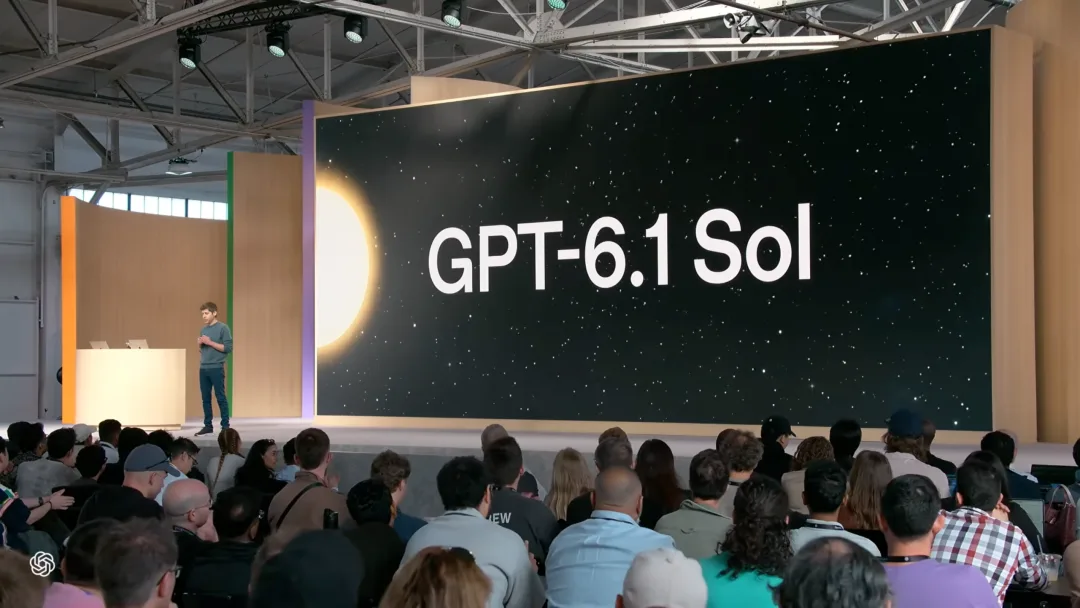
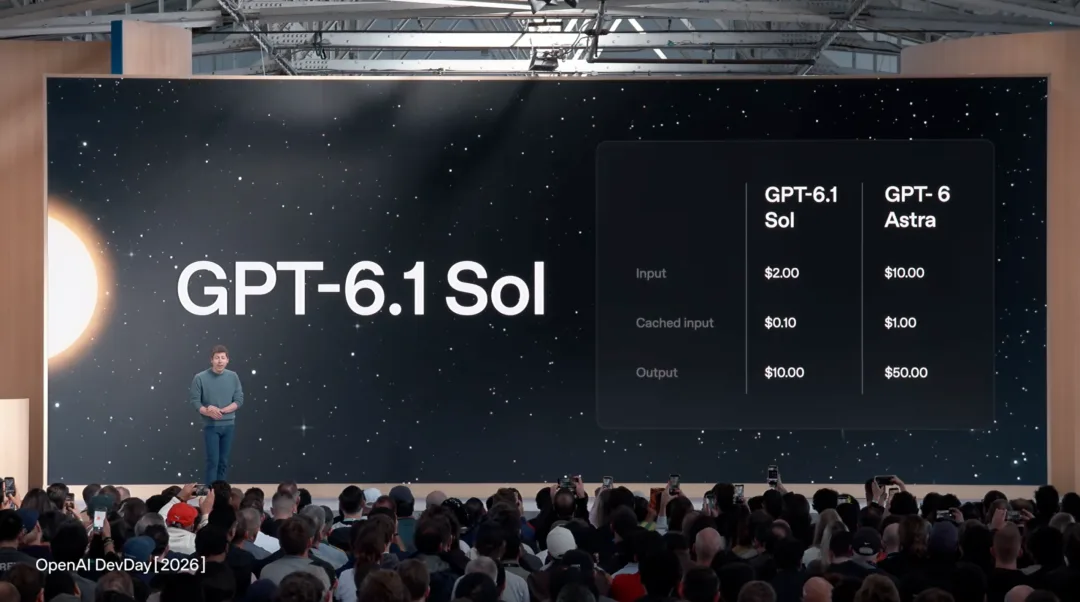
GPT-6.1 Sol, Ultrafast, Pro 500 (community headlines). Media also headlines GPT-6.1 Sol, Ultrafast inference, restarted Pro, and a higher Pro 500 tier. Those numbers are community reporting here — verify on OpenAI’s model and pricing pages. This site does not invent Dots-only dollar prices.
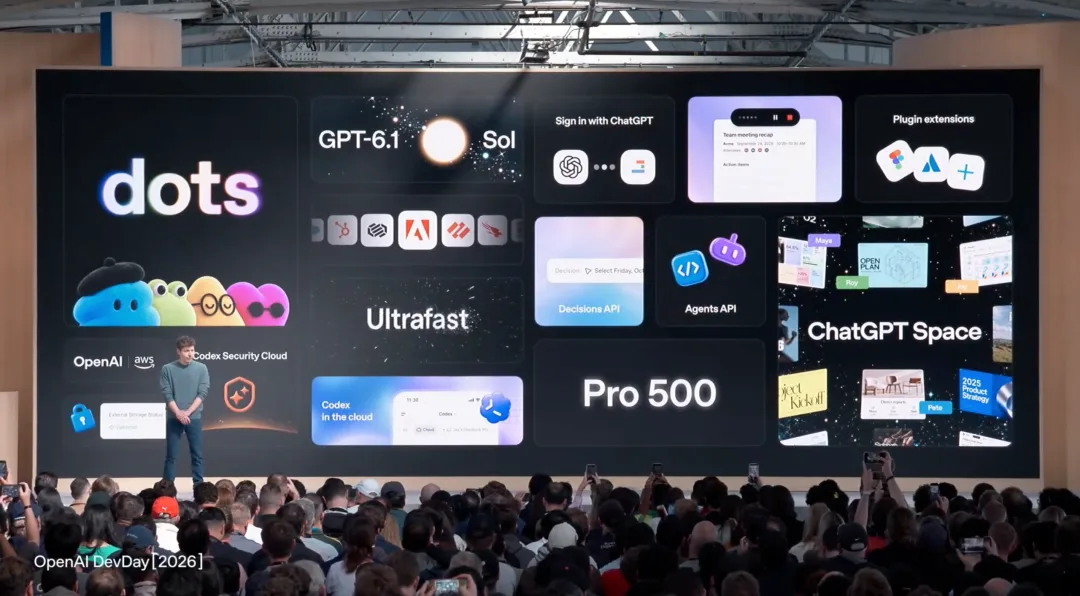
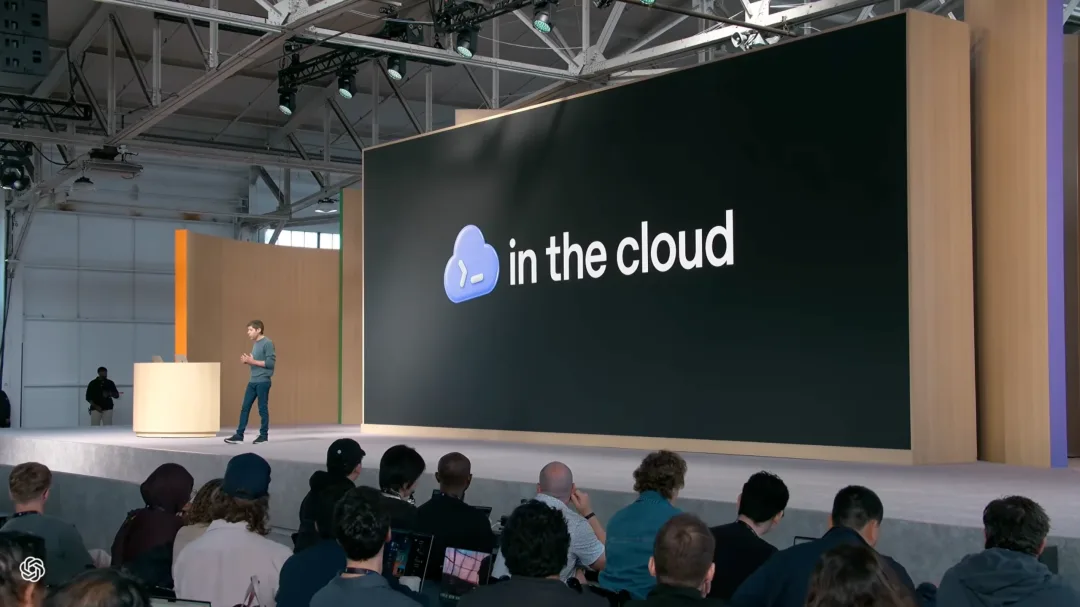
Codex cloud, Agents API, Decisions API. Developer-track coverage: Codex environments in the cloud, CLI voice/direction changes, desktop code review to GitHub/GitLab, security scanning, plus Agents API and a fast Decisions API. Orientation only — cite OpenAI developer docs for anything you ship against.
Why it matters. Coverage places dots next to Meta Muse, Google always-on agents, and Grok Bot. Our comparisons: dots vs Muse, dots vs Grok Bot. Shorter list: DevDay highlights.
Bottom line. Official signal for dots: always-on agent + cloud computer + apps + approvals. Sol pricing, Ultrafast tokens/s, Space UI, Pro 500 stay labeled community until Help and product pages say otherwise. Start: getting started.